Blackboard Ultra for Faculty
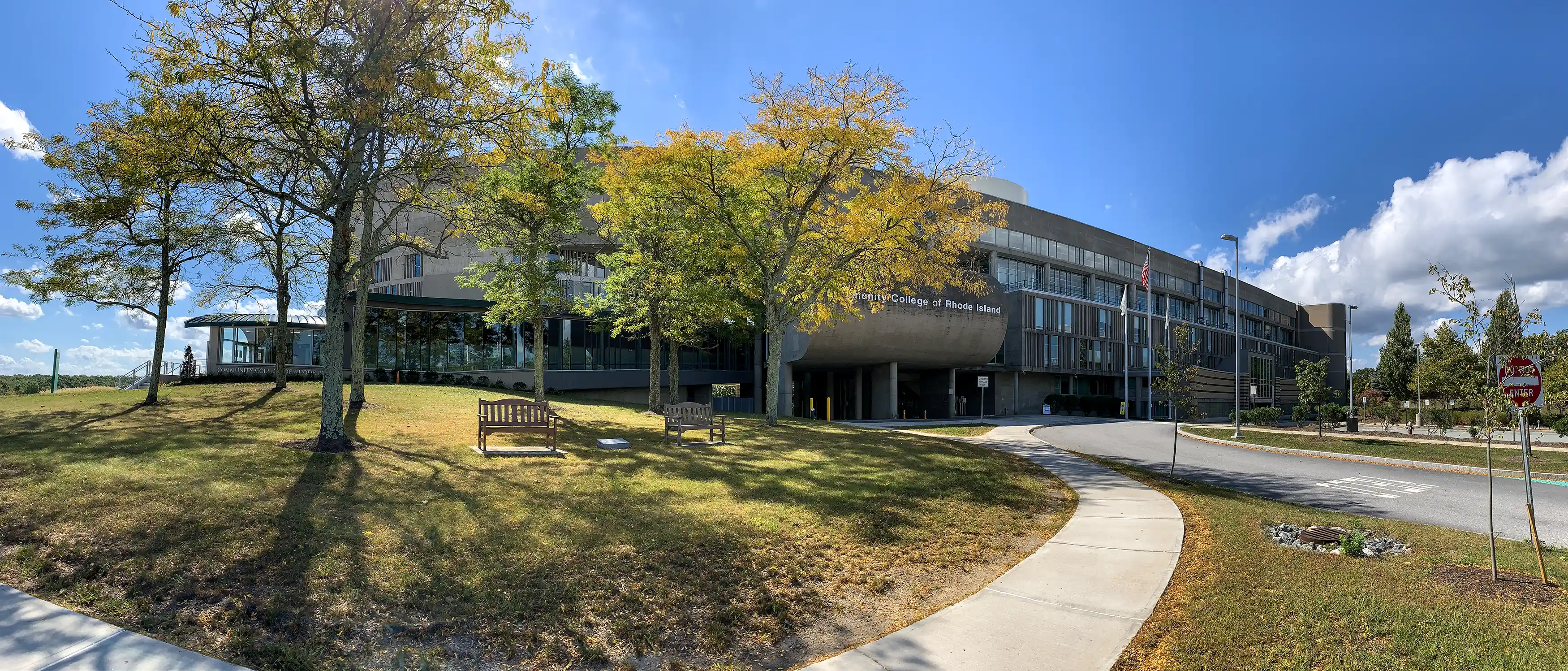
Welcome to Ultra
The starting point for everything in Blackboard Learn Ultra for you, as an instructor. You can choose to explore and learn about navigation, assignments, course content, grading, tests, pools and surveys, and how to better interact with students or how to set up a course and track performance, among other interesting topics.
If you are in need of personalized support for Blackboard Ultra, please place a ticket with Online Learning and Technology.
Jump to Blackboard Ultra Training

Learn more about the conversion to Blackboard Ultra
This step-by-step guide will help you copy content from an existing course to an Ultra course shell.

Learn how to navigate and organize menus and content in Ultra.
Learn how to build, edit or delete content in Blackboard Ultra
Learn how to create, edit and delete assignments, build rubrics and use SafeAssign
Discover how Ultra enhances test and question banks. Learn more about the new Form tool.
Learn more about discussions, conversations, journals and groups
Learn all about the Gradebook in Ultra